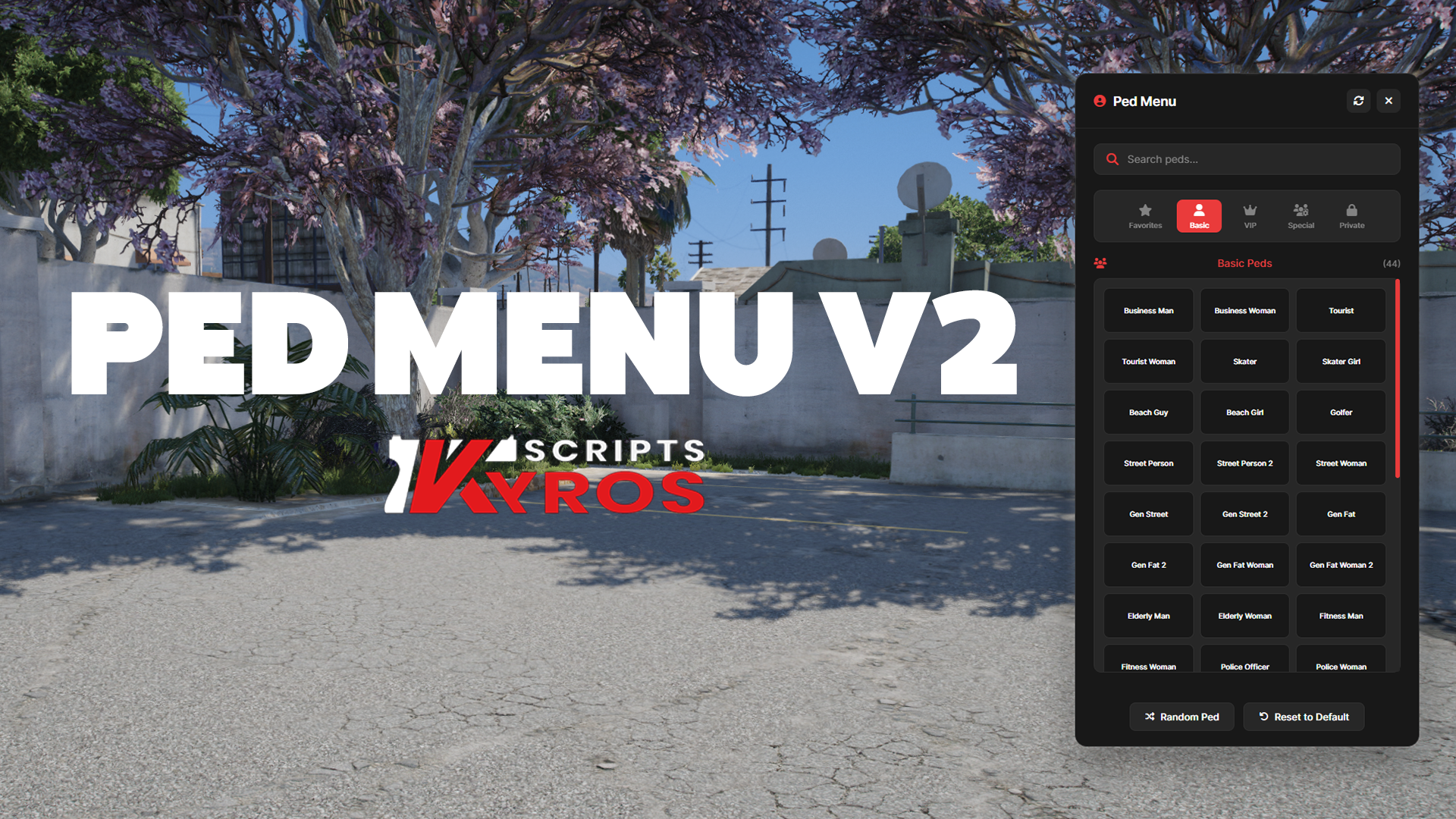
KYROS PED MENU V2🧍♂️
Transform your server with the most advanced ped menu system available.
🔒 Advanced Security - Discord role integration + private ped system keeps your exclusive content protected⚡ Zero Lag - Smart caching and optimized code means smooth performance even on busy servers🎨 Beautiful Interface - Clean, modern UI that your players will actually enjoy using🛠️ Admin Friendly - Powerful management tools with detailed logging and webhook notifications
💎 Perfect For
✅ Roleplay Servers - Give players immersive character options
✅ VIP Systems - Reward donors with exclusive ped access
✅ Staff Teams - Easy player management with admin tools
✅ Community Servers - Discord integration builds engagement
Role-based access control with automatic Discord verification. Grant ped access based on Discord roles, ensuring only authorized members can use special characters.
Restrict special characters to VIPs, donors, or specific players. Control who can access premium peds with flexible permission systems.
Add your custom peds in a flash! Simply add them with spawn codes through the config file. No complicated setup required.
Works seamlessly with ESX, QBCore, and Standalone setups. Automatically detects and integrates with your existing framework.
Multiple permission methods including Steam ID, Discord ID, and role-based restrictions. Mix and match for complete control over ped access.
Powerful admin tools to set peds for players, grant access permissions, and manage the entire ped system from in-game commands.
Track all ped changes with Discord webhook integration. Monitor who changes peds, when they do it, and maintain full audit logs.
Automatically detects and integrates with your existing ESX, QBCore, or Standalone systems. Smart detection ensures seamless compatibility.
/pedmenu
Open the interactive ped selection menu. Access is controlled by Discord role verification for private peds.
/setped [player_id] [ped_model]
Set a specific ped model for any player. Immediately changes the target player's character model. Example: /setped 1 a_m_m_business_01
/givepedmenu [player_id]
Open the ped selection menu for another player. Allows admins to help players access the menu remotely. Example: /givepedmenu 1
/grantped [player] [ped_model]
Grant a player permanent access to a specific private ped model. Adds the player to the allowed users list for that ped.
/revokeped [player] [ped_model]
Remove a player's access to a specific private ped model. Revokes their permission to use that particular ped.
/listped [ped_model]
Display a list of all players who have access to a specific private ped model. Useful for managing permissions.
/checkped [player] [ped_model]
Check if a specific player has access to a particular private ped model. Returns permission status.
/testped [ped_model]
Test a ped model change for debugging purposes. Only available when debug mode is enabled in config.
/testcamera
Test the camera system to verify proper camera positioning and controls. Available for debugging.
Everything you need to know about our products, delivery, and support
If you want to get support on our products, you can come to our discord server and open a ticket with your transaction ID. You will get the fastest support OUT! (if we are awake).
YES. All of our weapons are standalone. (Not framework locked). Check the framework tags on the product page to see if it's compatible with your framework.
Kyros Products will be delivered via CFX's keymaster system. This ensures everyone gets the most up-to-date file.
FUCK NO! what I look like Make-A-Wish? Gofundme? Saint Jude? I got mouths to feed. MY OWN.
We do not offer any form of refund or exchange of any of our products. If you need assistance, reach out via the Discord Server.
You can see what was included in an update in the CHANGE-LOGS file located in the pack files.
Yes I try to respond as fast as I can. But depending on the day it can take longer.
All Kyros products are optimized for performance. We put a lot of work into making sure our assets run smooth and don't tank your server's resmon.